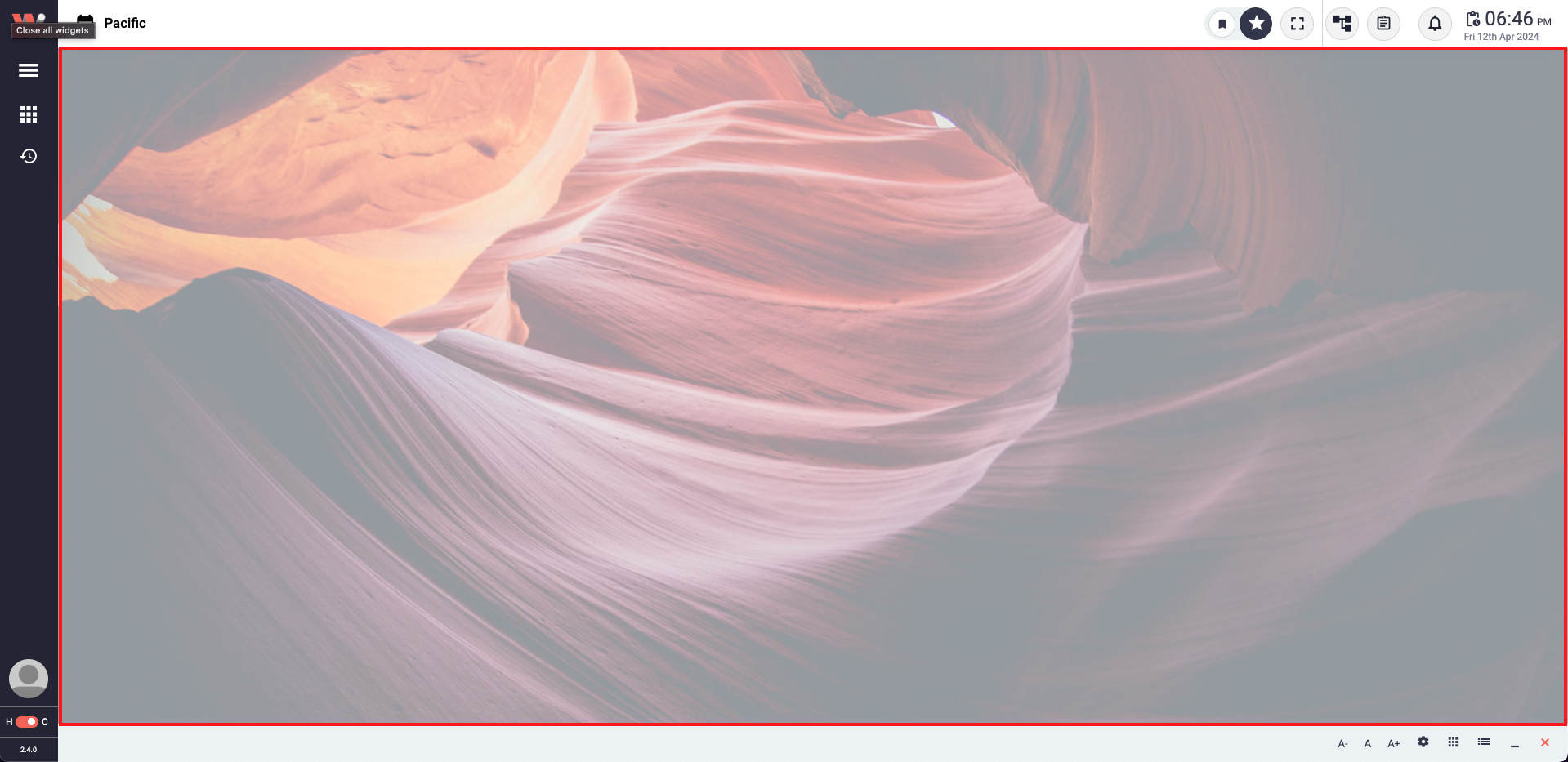
View Area marked in the red rectangle.
The View Area is a central point of the Workbench, providing a space where all the opened Work-Windows are loaded. It is surrounded by the Header, left sidebar, and bottom bar, creating a cohesive space. The View Area offers users the flexibility to move the opened Work-Windows freely within its boundaries, allowing limitless horizontal movement while maintaining vertical confinement within the Header and bottom bar. This intuitive design enables users to arrange and organize their workspace according to their preferences, maximizing productivity and customization within the software.
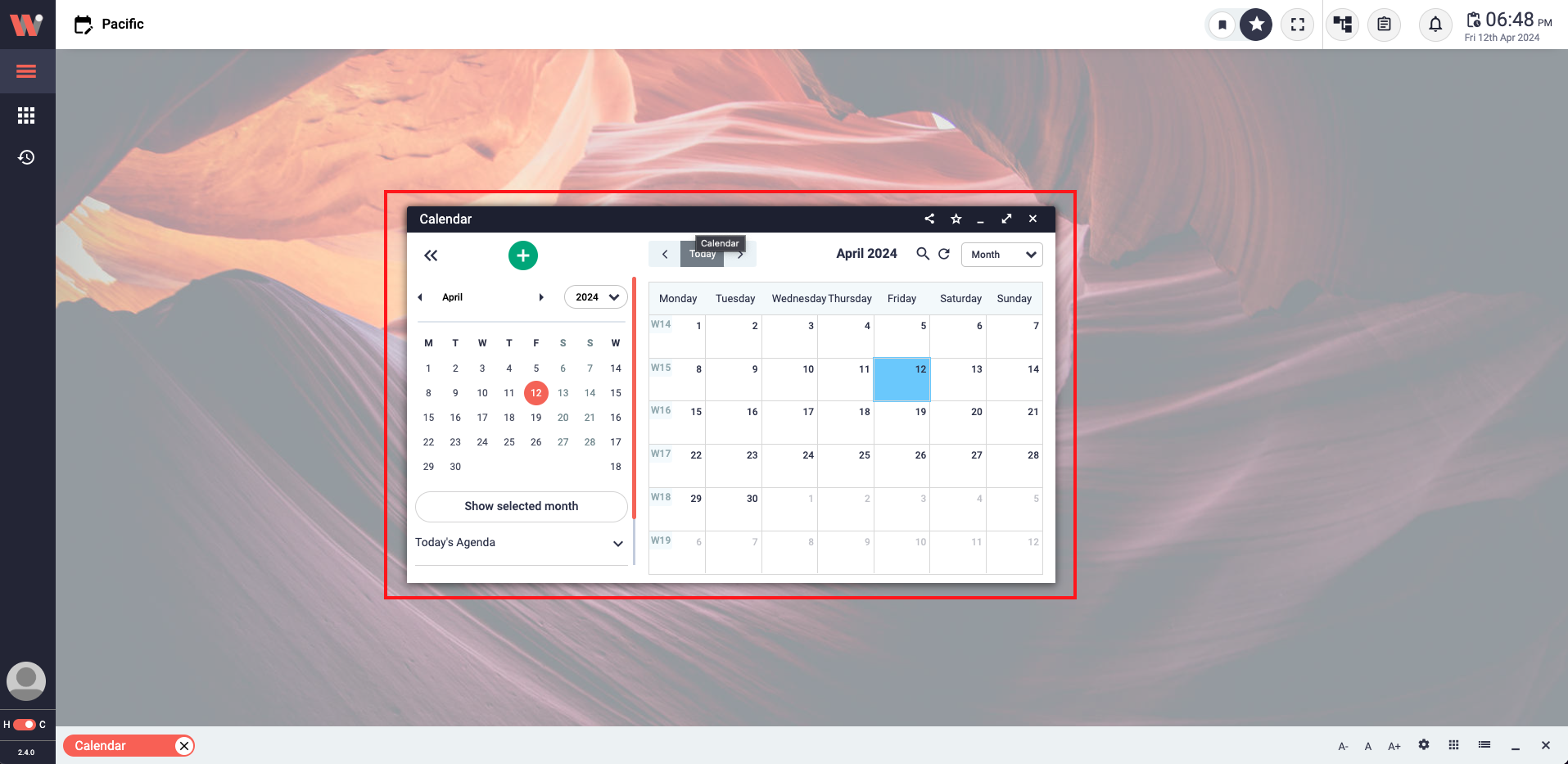
A calendar Work-Window in the view area.
This view provides a single Work-Window occupying the entire view area. When the full-screen mode is enabled, it eliminates the overlapping of multiple Work-Windows and allows users to focus on their tasks with minimal distractions. This mode offers a seamless and immersive working environment, ensuring that users have an optimized and focused experience while utilizing the Work-Window.
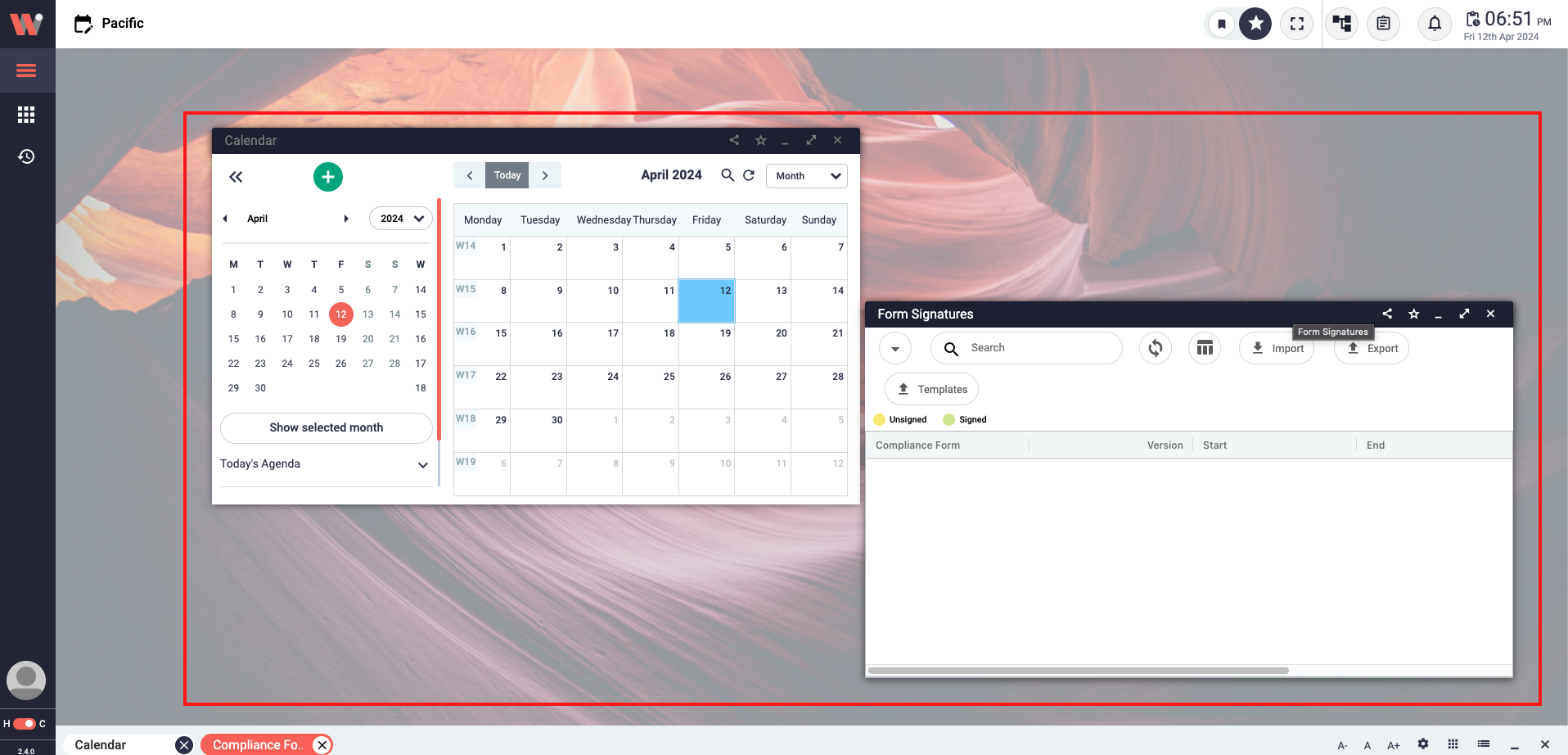
Multiple Work-Windows (Calendar and Form Signatures) in the view area.
Multiple Work-Window Views allow users to have simultaneous display of multiple windows within the view area. In this mode, users can easily monitor and access all opened Work-Windows, gaining a comprehensive overview of their tasks. To organize the views, users can simply click on the grid or stack button located at the bottom bar, providing a flexible and customizable arrangement of the windows. This feature empowers users with enhanced multitasking capabilities and efficient management of their workflow.
The Work-Window can be easily resized to accommodate your preferences and optimize your workspace. To resize the Work-Window, simply locate the arrow that appears at the border of each window. This arrow serves as a resizing handle, allowing you to click and drag it in the desired direction to increase or decrease the size of the Work-Window. By clicking on the arrow and adjusting the window's dimensions, you can customize the size to best suit your needs, ensuring a comfortable and efficient working environment.
